Create a group in the app
The new Dermosil app offers groups an easy way to place orders together. Become the group admin by creating your own group and inviting friends to join. Group members share their shopping carts with you – leaving you the final step of completing the order.
Please note that members must also download and log into the app to be able to take part in the group order.
Download the app from APP STORE or GOOGLE PLAY and set up your group.

01
Create a group and invite friends or family members to join your group.

02
Group members fill their own shopping carts through their personal accounts in the app. They then share their carts with the group admin.
03
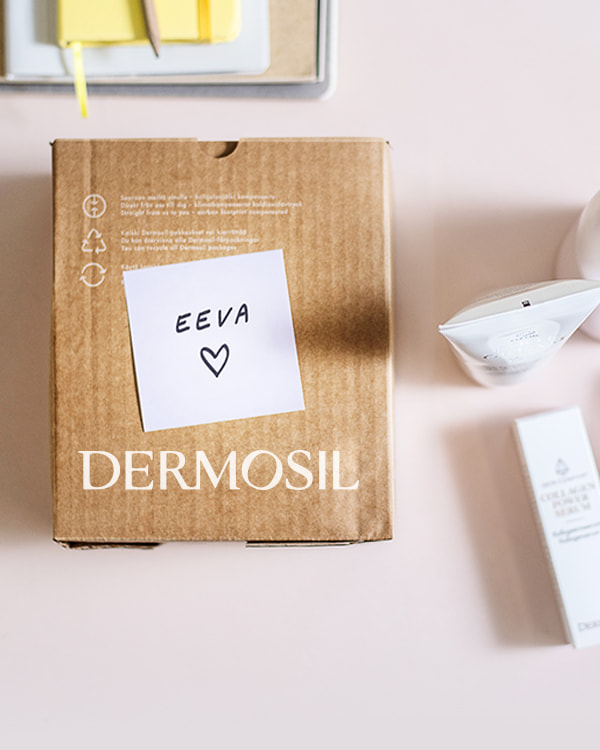
The group admin completes and places the order. The products are delivered to the admin, who then distributes them to their group members for you all to enjoy them!
04
Please note that group orders in the app and on our website are not connected. If you are placing a group order in the Dermosil app and your group members have shared their carts with you there, the order must also be completed in the app. Group orders in the app do not appear on the website.
Place a group order via the website
Create your own order group with colleagues or friends and manage the ordering process for the entire group. On the website, you can place a group order as the admin using the order form. You can assign individual names to group members and specify each member's order directly on the form.
How to place a group order on the website
Placing a group order is easy with two simple options. Choose the one that suits you best or use both at the same time!
- Share cart
Group members or individual customers can add their desired products to their own shopping cart and click "Share cart" before proceeding to checkout. This creates a link that can be sent to the person placing the order by email or message. Using the link, the products are added directly to the shopping cart of the person making the order, without having to search for them again in the online store. The electronic order confirmation clearly shows which products belong to each customer who shared their cart. - Order form
The group contact person can also collect the group's order and enter it directly into the online store’s order form. In the order form, individual names can be created for group members, making it easy to see in the order confirmation what each group member has ordered.
Why order as a group?
- Earn bonus points. As the group admin, you collect bonus points from both your own order and the entire group’s order. Redeem these points for free products from our bonus shop.
- Reach Gold level faster. As the admin, you’ll reach Gold membership more quickly, unlocking exclusive benefits. If you’re a Gold member, your whole group also enjoys these perks.
- Enjoy free shipping and help the environment. Group orders can easily qualify for free shipping, and they’re better for the environment! Orders placed together reduce the carbon footprint of packaging and transport.